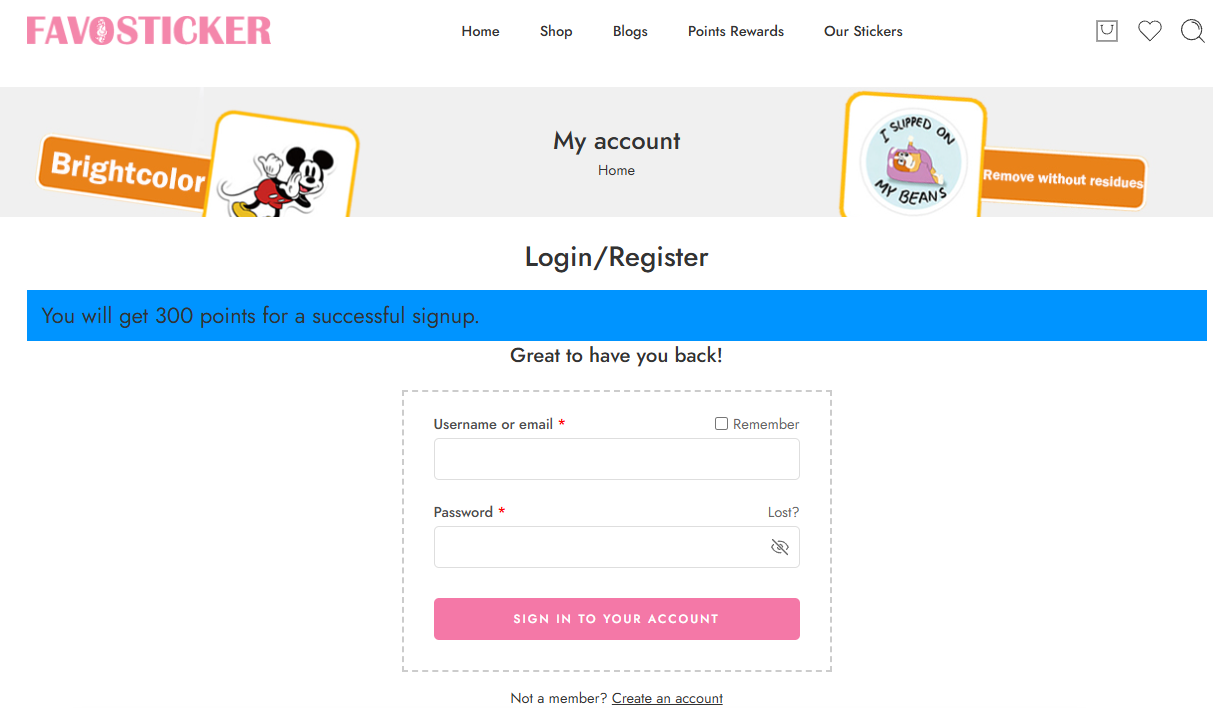
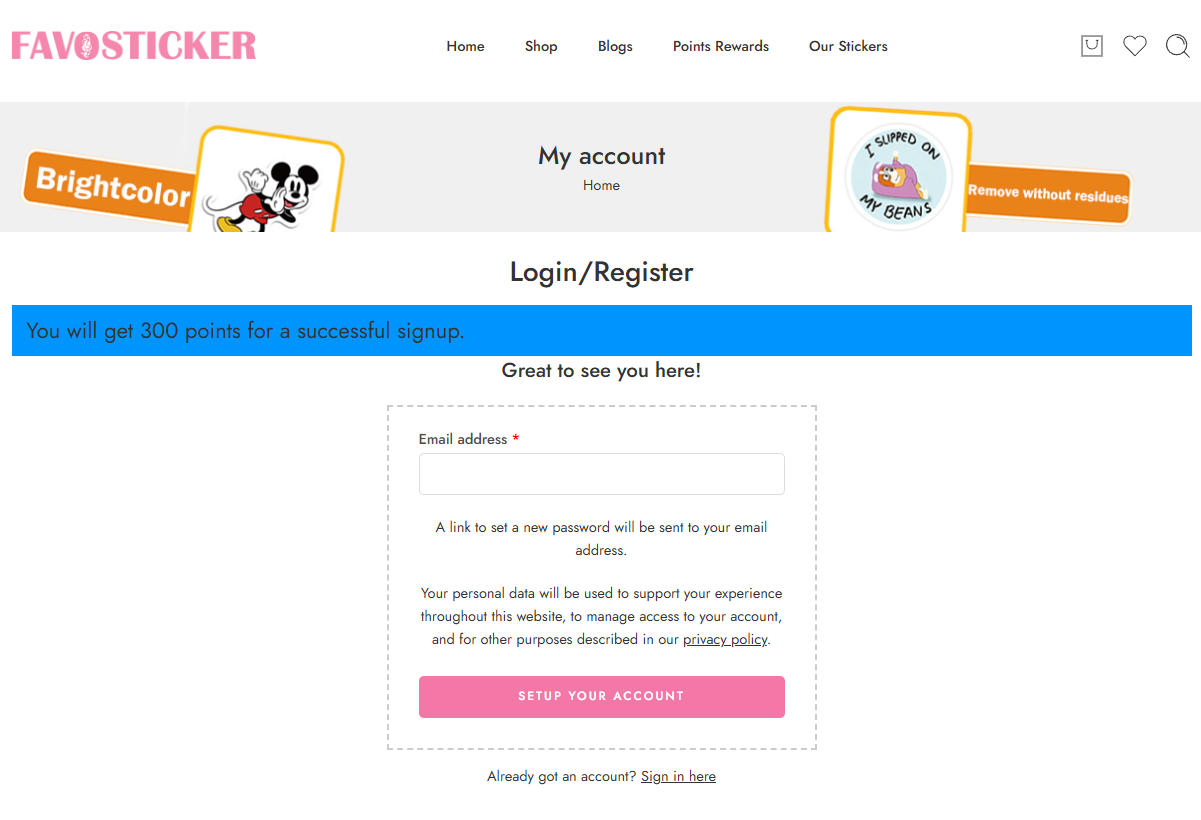
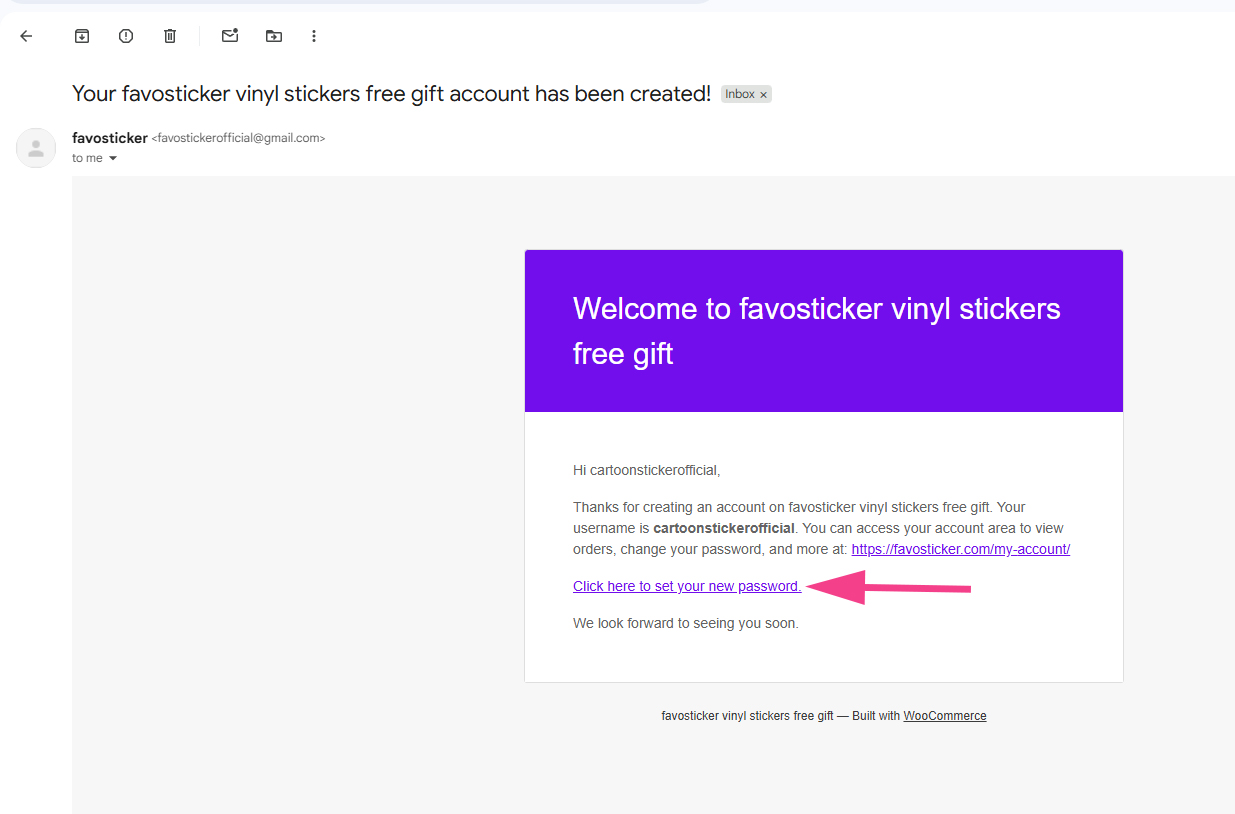
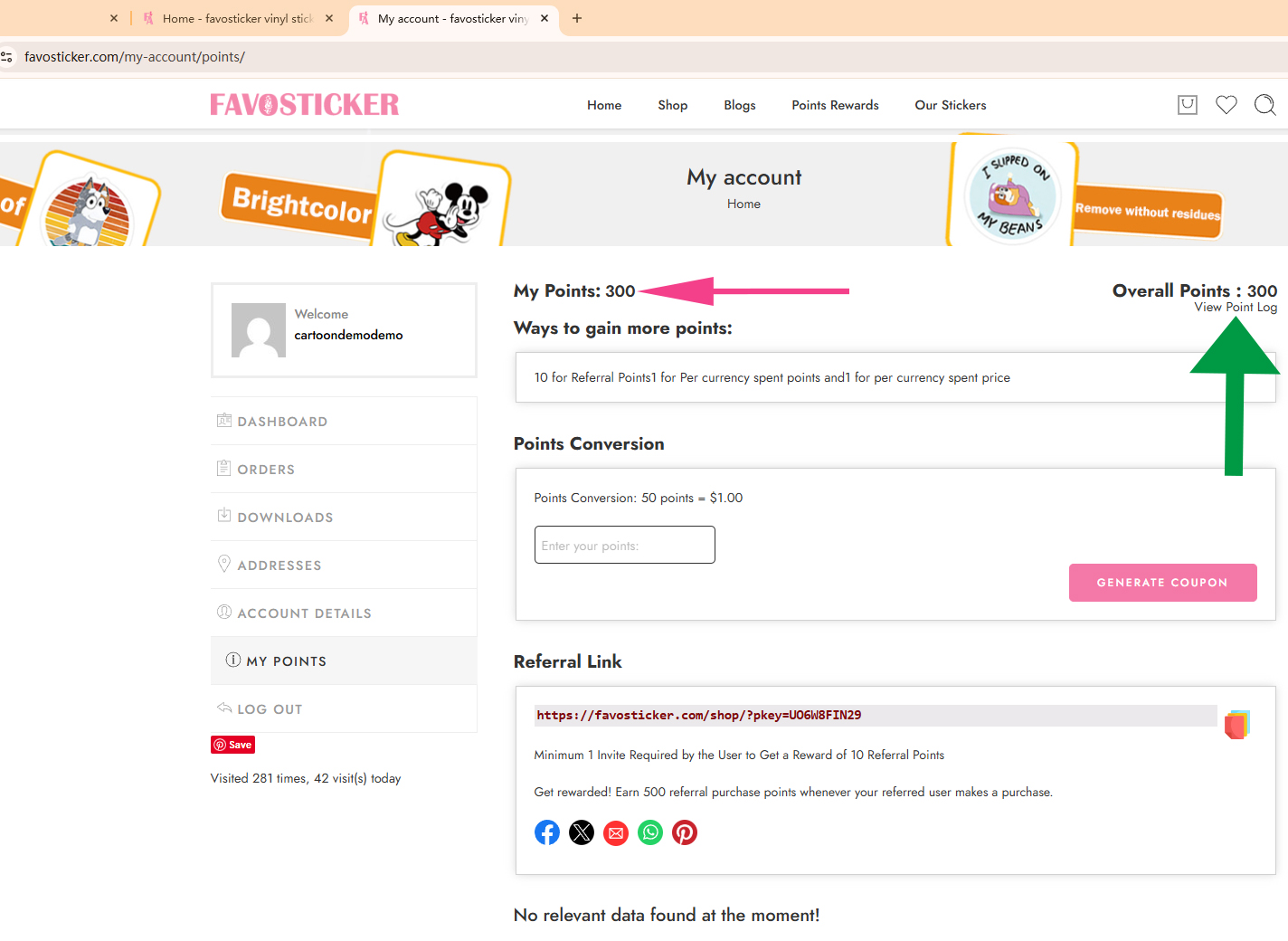
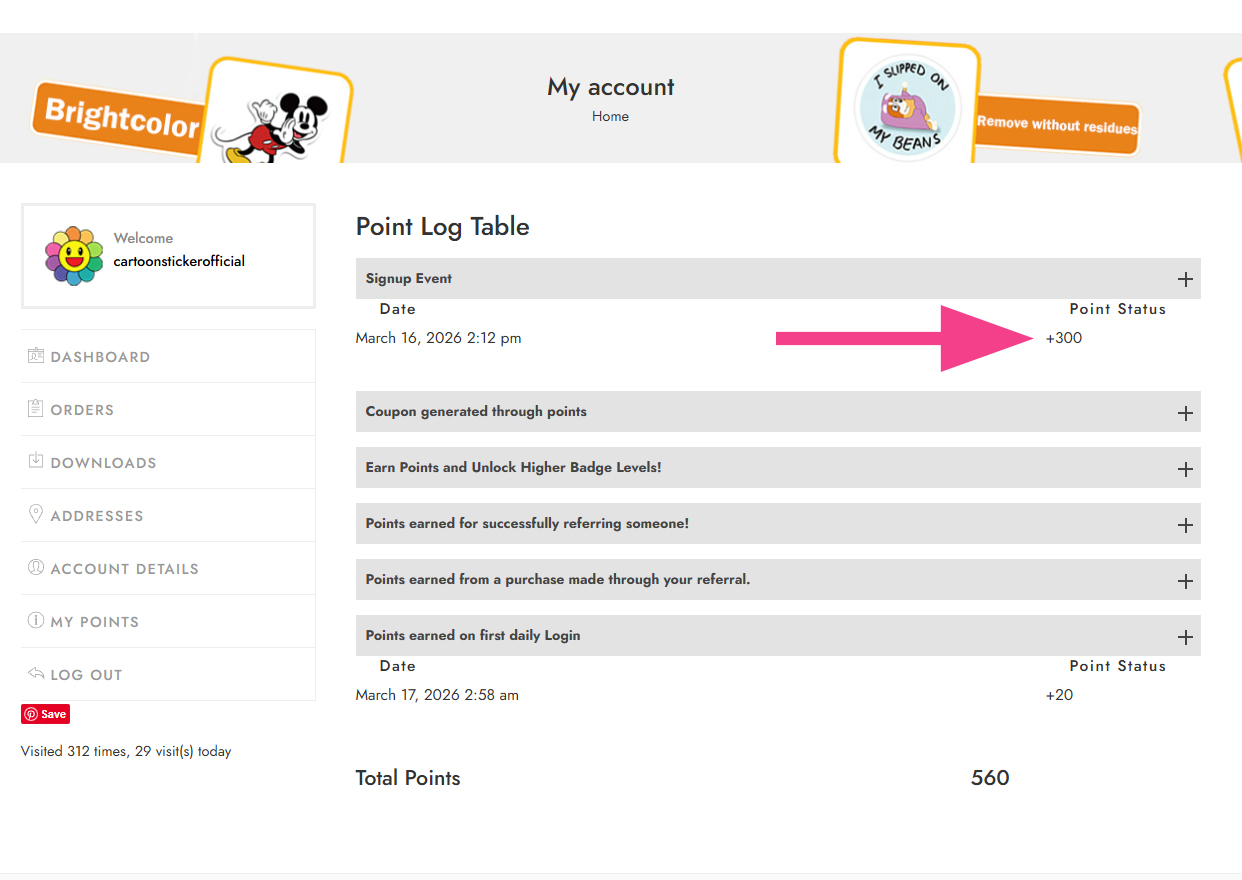
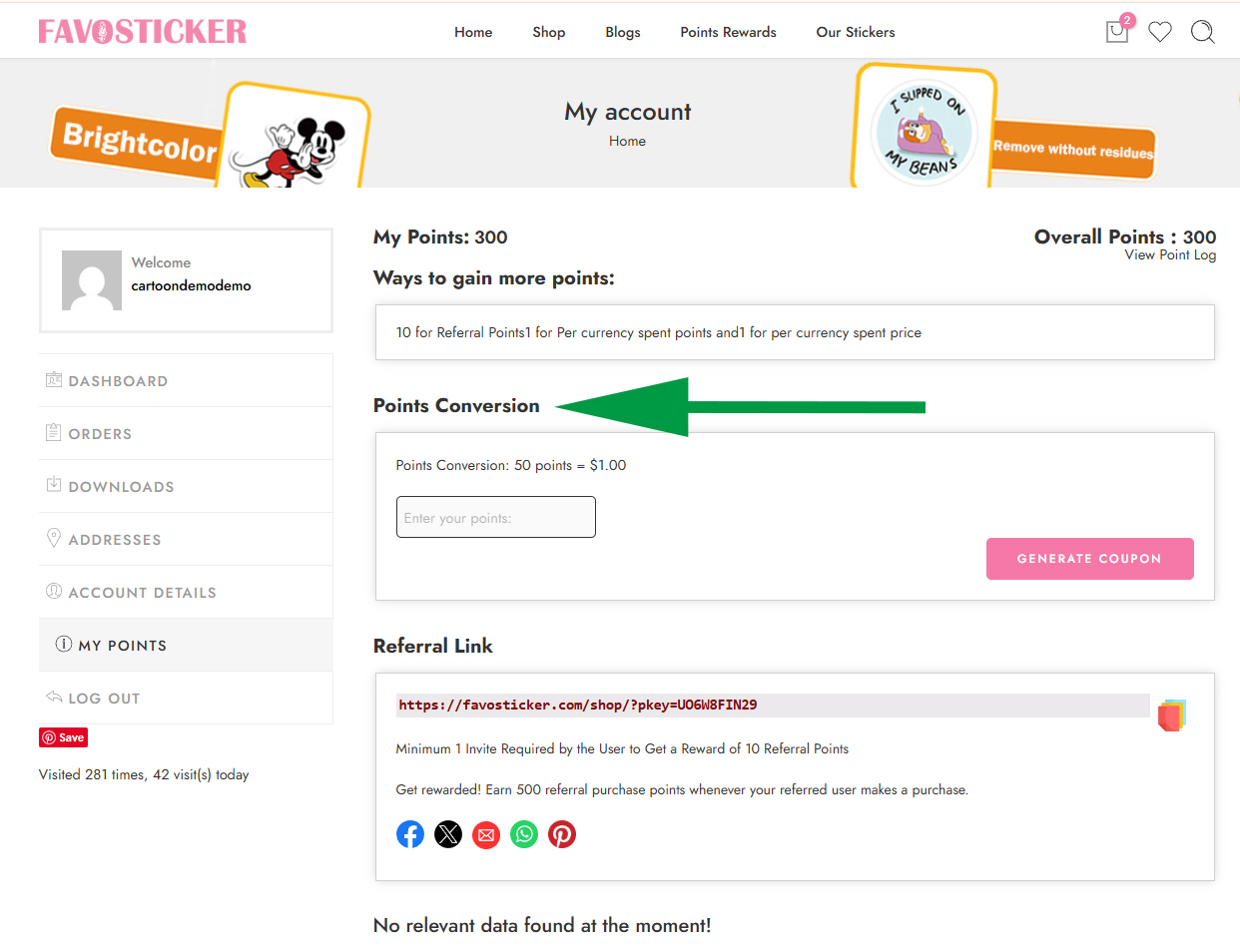
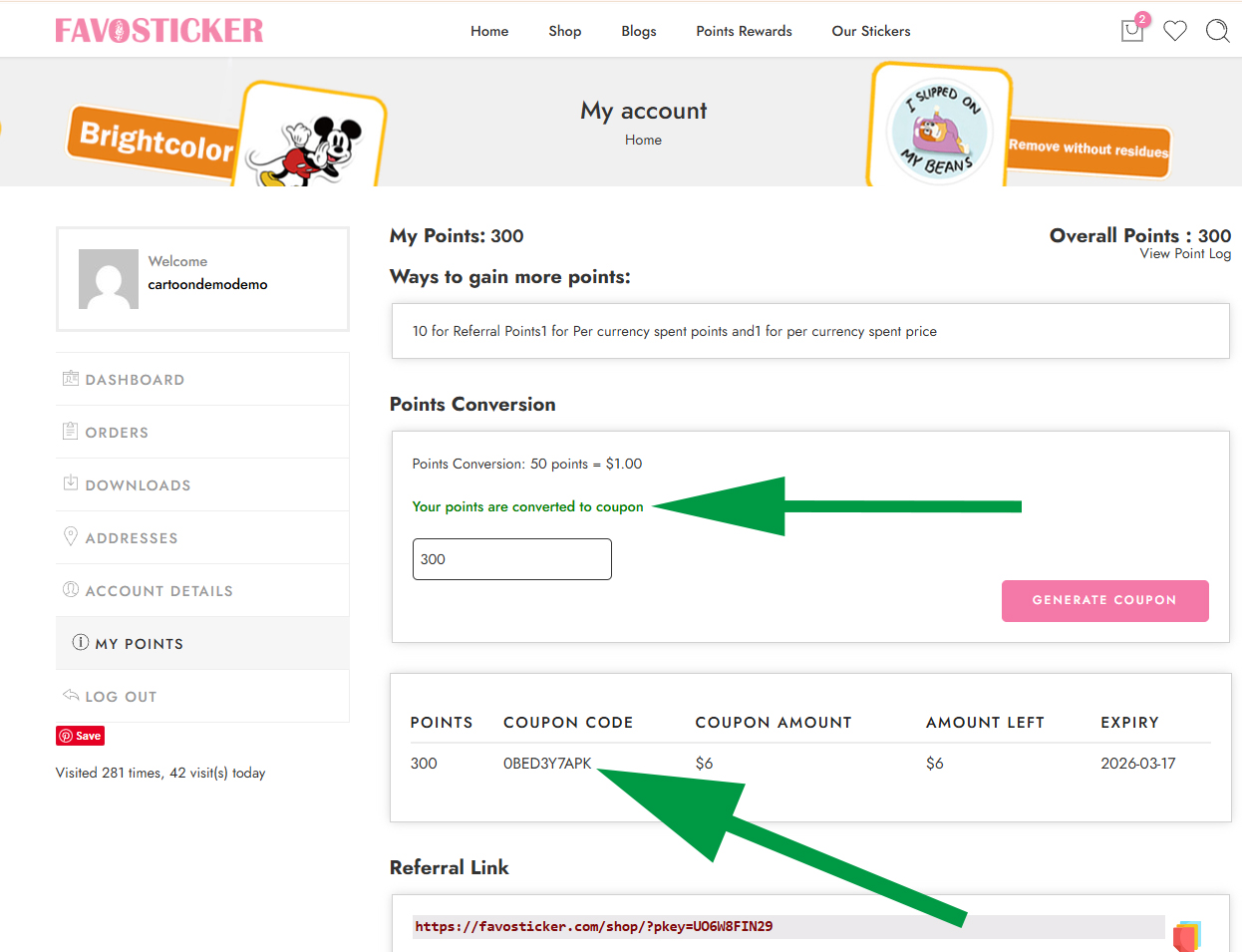
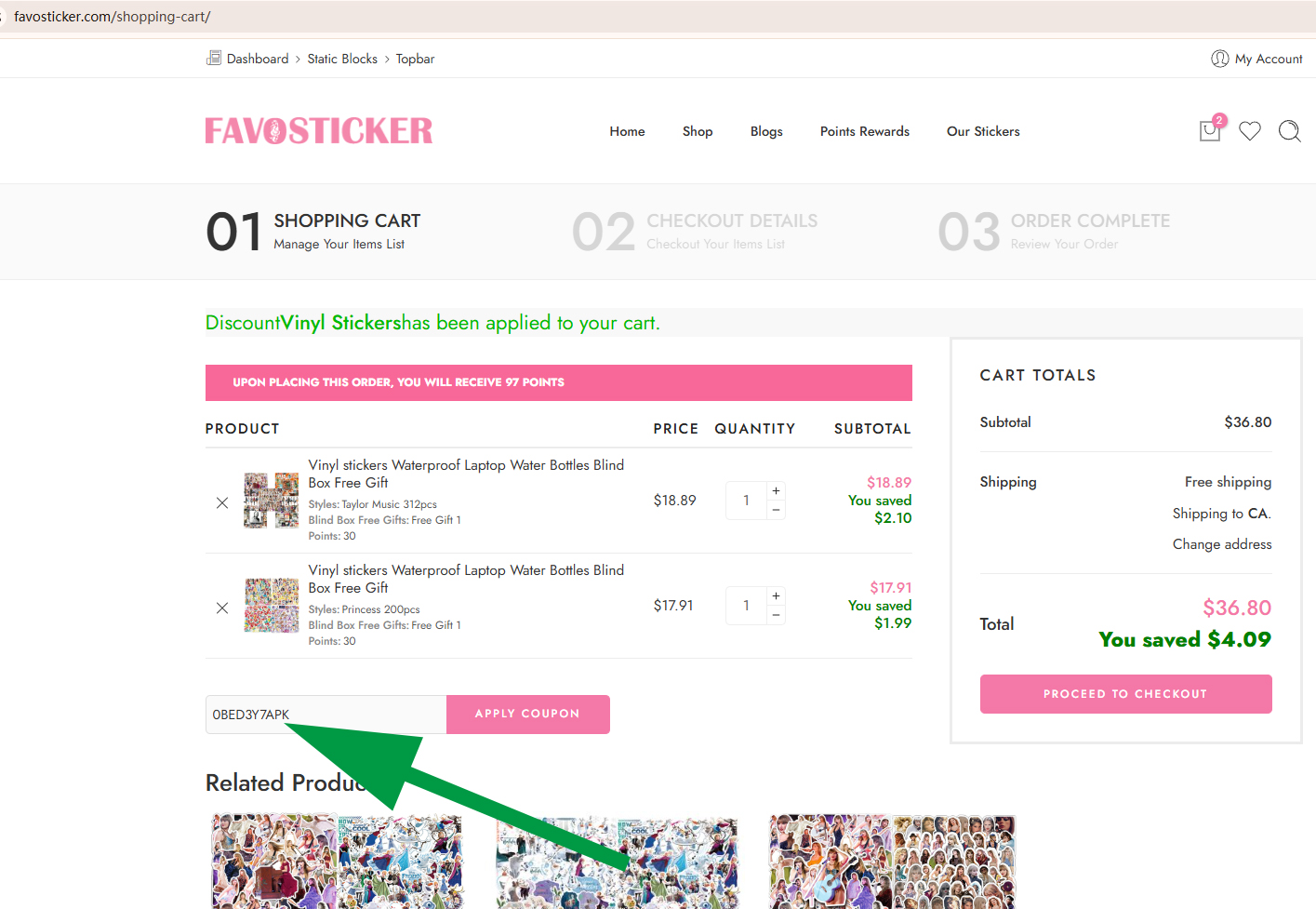
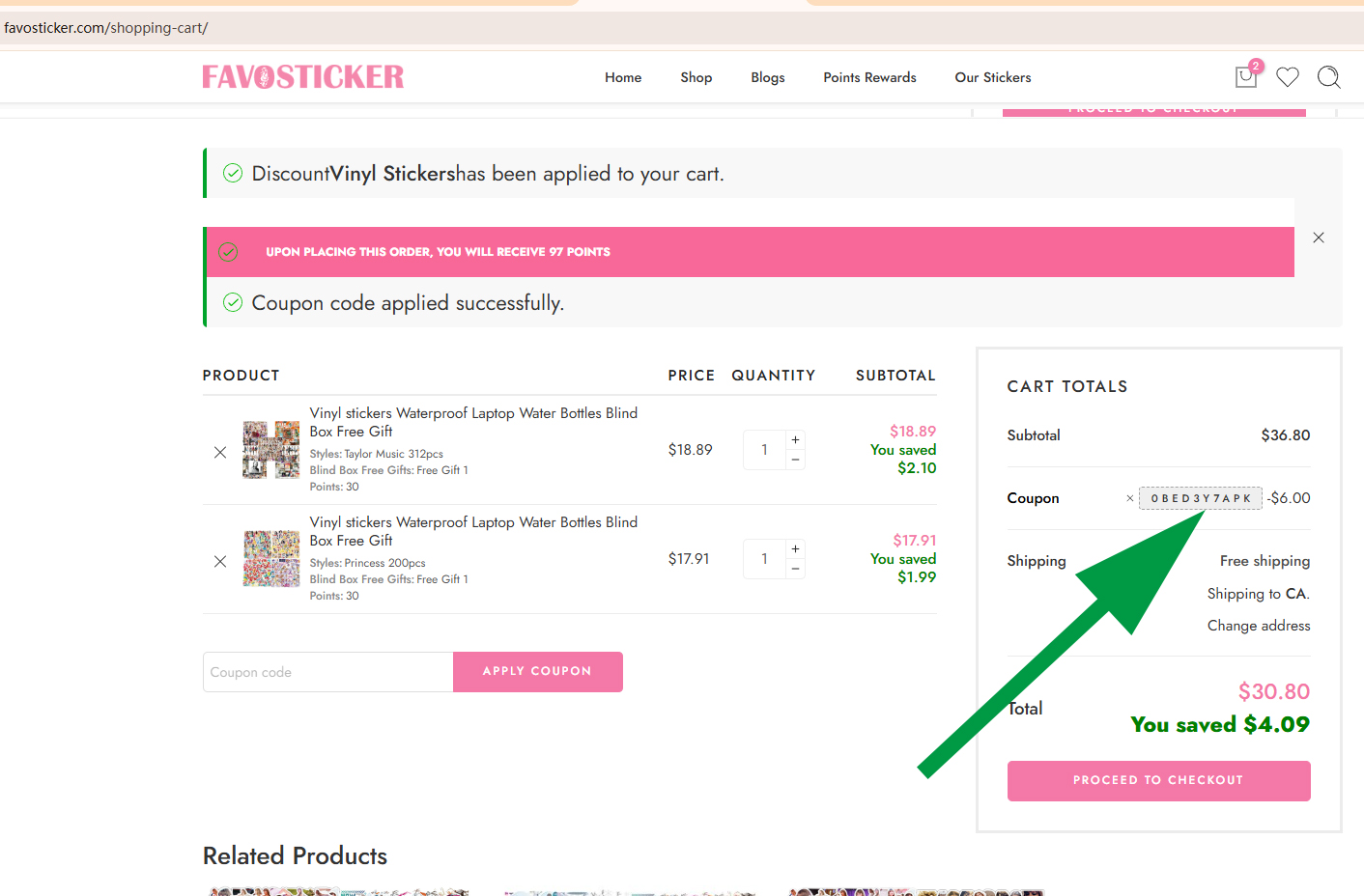
1.Sign-UpWhen a new customer creates an account, they will automatically receive 300 reward points.300 points = $6
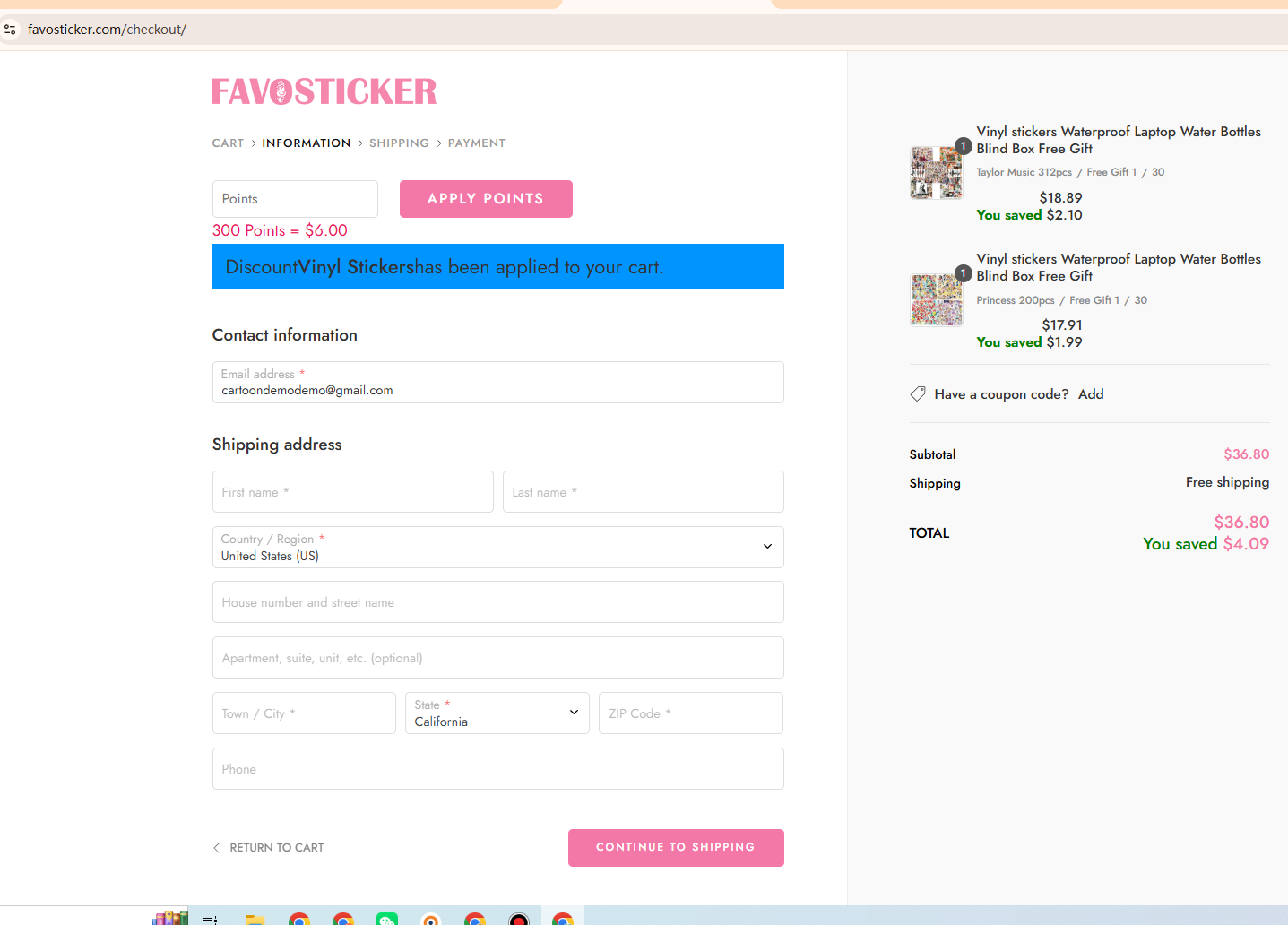
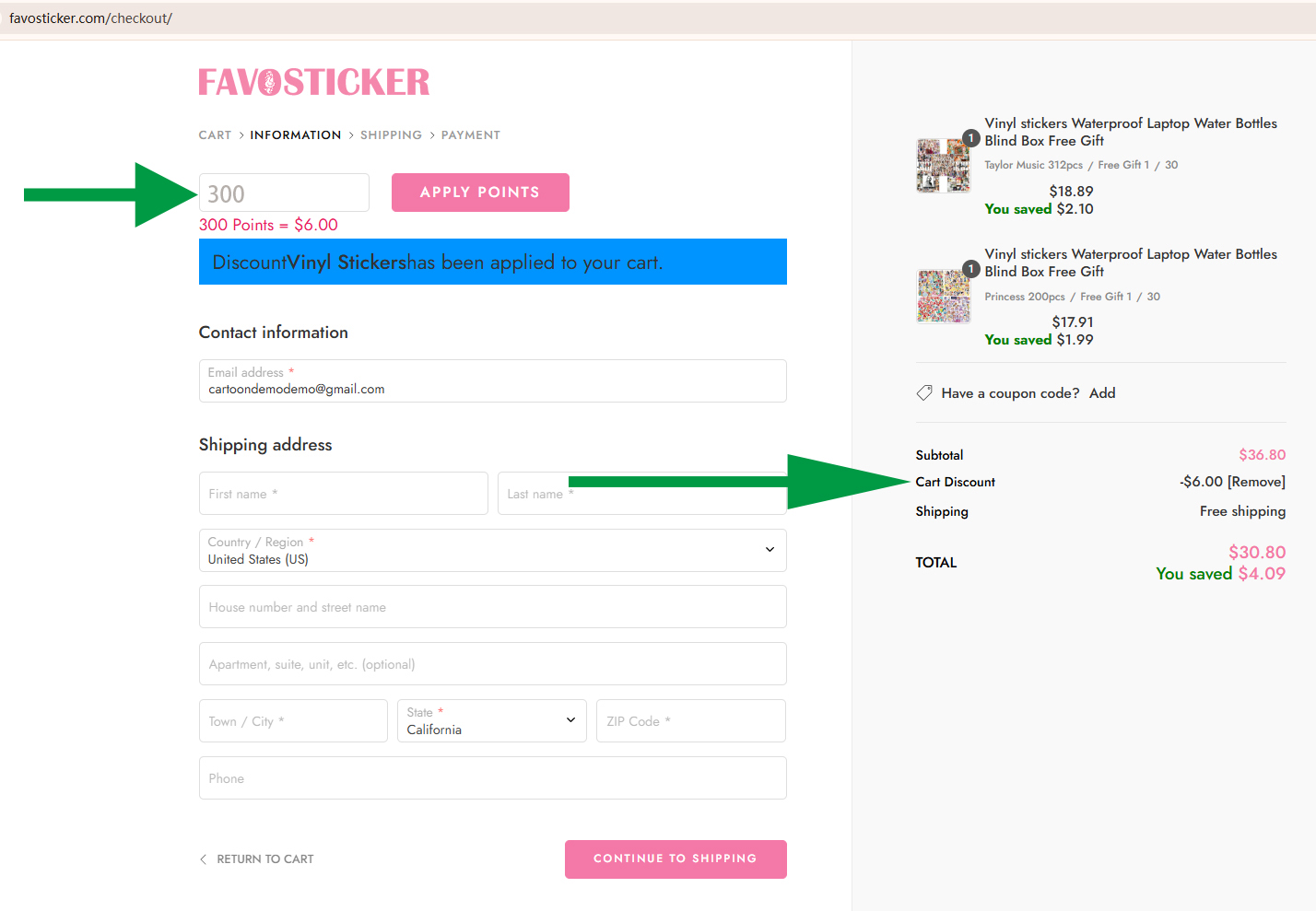
2.Using Points for DiscountsCustomers can use their points to receive discounts when purchasing items. There are two ways points can be applied:
3.Referral Reward Program
4.Combined DiscountsIf a customer has both:
they are allowed to use both discount types together, including:
This means both discounts can be applied in the same order, allowing customers to maximize their savings.
FAQ earn point redeem point
Simply sign up to create your account and start earning rewards!
Earn points by signing up,making purchases,daily login,referral friend,Review,rank,game,quiz contest,social share campaign!
Log in, visit your dashboard, and select the Ways to Redeem section to redeem your points for rewards.purchase item,Points Redemption.
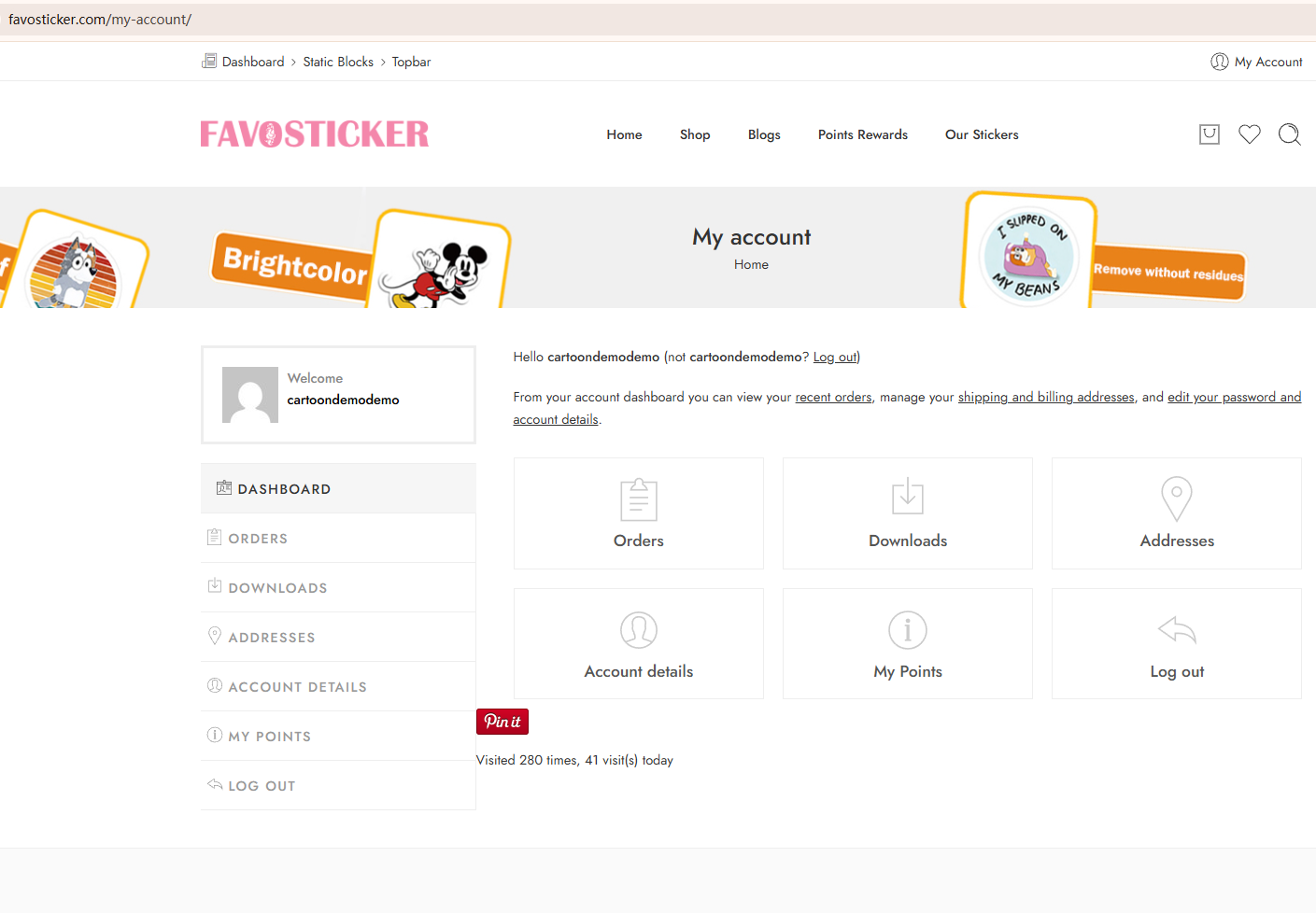
First, log in to your account! Your points balance will be highlighted in a box on the top of the page. You can also navigate to your dedicated rewards page to view your points balance.
Points will expire after half of year if there is not any account activity.
Rewards will not expire after the rewards are activated in the account.
If you return a purchase, the points you earned for that purchase will be deducted from your account.
Username or email * Remember
Password * Lost?
SIGN IN TO YOUR ACCOUNT
Not a member? Create an account
Email address *
A link to set a new password will be sent to your email address.
Your personal data will be used to support your experience throughout this website, to manage access to your account, and for other purposes described in our privacy policy.
SETUP YOUR ACCOUNT
Already got an account? Sign in here
111
Don't show this popup again